Lead Captured · API · Forms · Import Qualified → Auto Create Contact & Deal Deal Won → Project Instantly Created Send Contract · Your Terms · Your Client Send Welcome → Client Workspace Deployed Client Uploads Assets · Structured Onboarding Tasks Sync → Kanban · Calendar · Reminders Execution Tracked · Every Action Logged Delivery Completed · Full Timeline Recorded Repeat the Loop · Scale Without Chaos Lead Captured · API · Forms · Import Qualified → Auto Create Contact & Deal Deal Won → Project Instantly Created Send Contract · Your Terms · Your Client Send Welcome → Client Workspace Deployed Client Uploads Assets · Structured Onboarding Tasks Sync → Kanban · Calendar · Reminders Execution Tracked · Every Action Logged Delivery Completed · Full Timeline Recorded Repeat the Loop · Scale Without Chaos
Glass Hero Section
Time Tracking & Timesheets

Track work hours with clarity.

Clock in, manage breaks, and keep tracked work accurate. Creative Ecom Builder keeps time records connected to your team, projects, and daily operations.
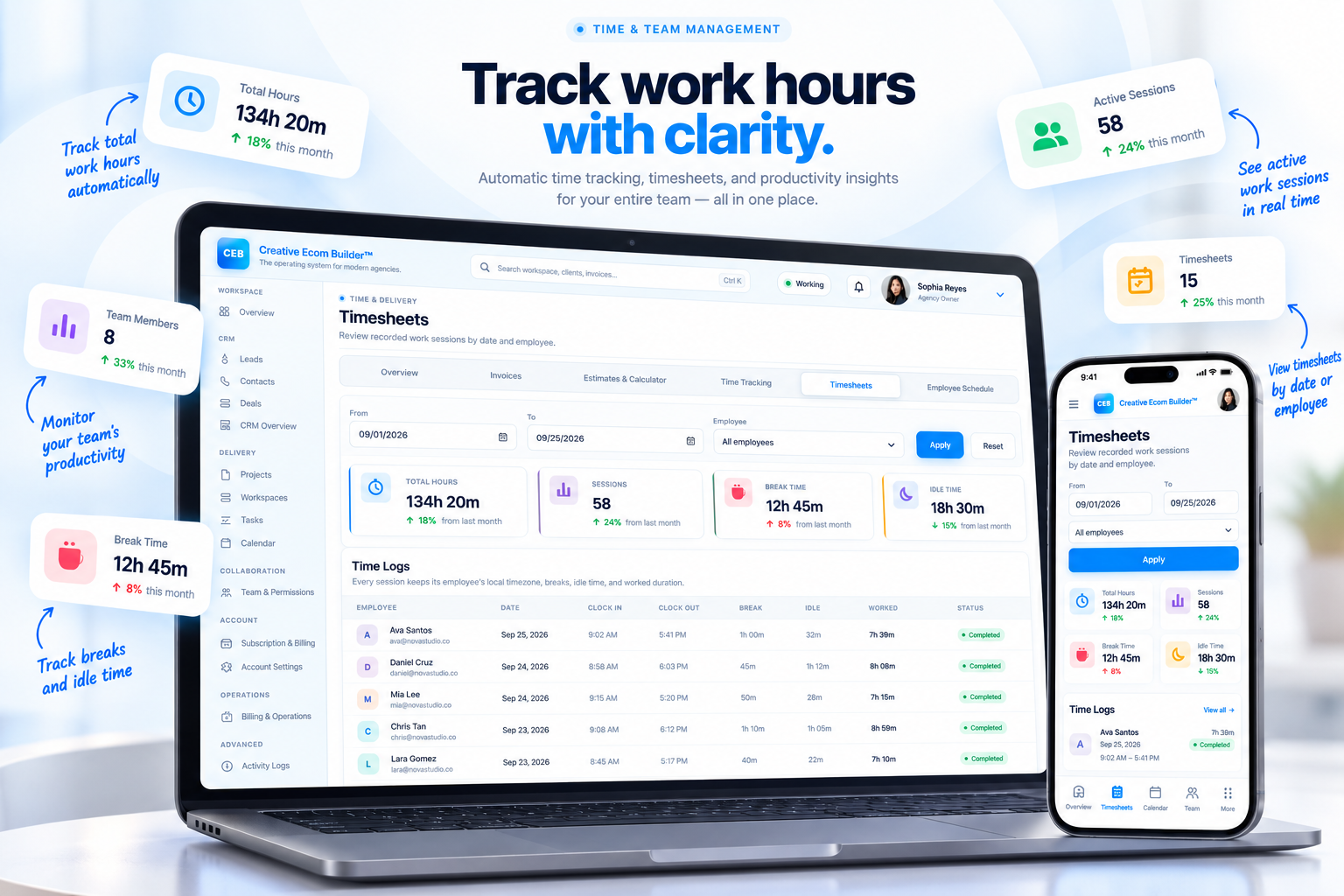
Creative Ecom Builder time tracking and timesheets dashboard
Live work recordsClocked hours connected
Team visibilitySessions tracked in one place
Accurate Work Records

From clock-in to timesheet, everything stays connected.

Capture the workday as it happens, then review recorded sessions by date and employee without rebuilding the picture later.

◷

Clock in and out

Record when team members start and finish work so working hours stay tied to actual sessions.

Ⅱ

Manage breaks and idle time

Keep breaks and idle periods visible instead of mixing non-working time into productive hours.

✓

Review recorded sessions

See work sessions by date and employee so your team can review time records with context.

Time Tracking

Know where the workday actually went.

Time tracking gives your team a clear record of working hours, active sessions, breaks, and idle time. That makes daily activity easier to review and keeps work records consistent.
✓
Track total work hoursKeep a running record of hours captured across your team’s sessions.
✓
See active sessionsUnderstand which work sessions are currently being tracked.
✓
Separate breaks and idle timeKeep non-working periods visible in the same time record.
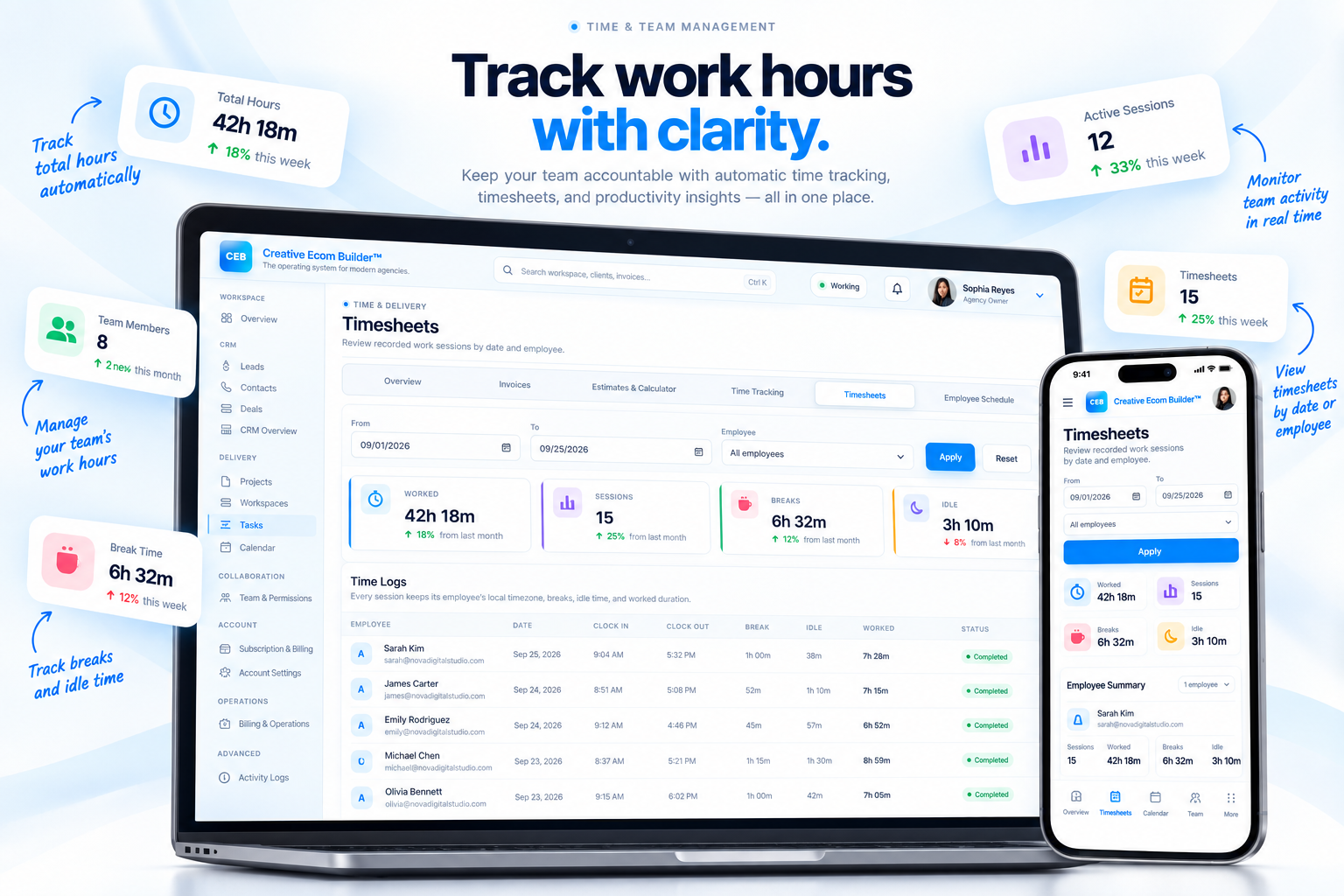
Creative Ecom Builder timesheets and time tracking interface
Time tracking dashboard with employee timesheets
Timesheets

Review recorded work by date and employee.

Turn individual work sessions into a clean timesheet view. Filter the records you need and review the hours behind your team’s activity.

✓
Filter by dateReview the work records for the period you need to inspect.
✓
Review by employeeSee recorded sessions in the context of individual team members.
✓
Keep records togetherTime tracking and timesheets live inside the same operating workspace.
A Clearer Workflow

One workday. Four simple stages.

Capture the session, keep the breaks visible, review the record, and use the finished timesheet as part of your operational picture.

01

Clock in

Start the work session and begin recording the day.

02

Track the session

Keep working time, breaks, and idle periods visible.

03

Review timesheets

Look back by date and employee when the workday is complete.

04

Keep operations clear

Use the recorded work picture alongside the rest of your workspace.

HoursTrack the amount of work recorded.
SessionsKeep individual work periods visible.
EmployeesReview work records across your team.
Time & Team Management

Make tracked time part of the system.

Keep clock-ins, work sessions, breaks, and timesheets inside the same workspace your team already uses to run the work.