Plan employee shifts
Create and assign shifts so employees know when they are scheduled to work and where their time fits into the week.
Plan shifts, leave, holidays, days off, and working hours. Keep employee schedules organized and visible in one connected workspace.
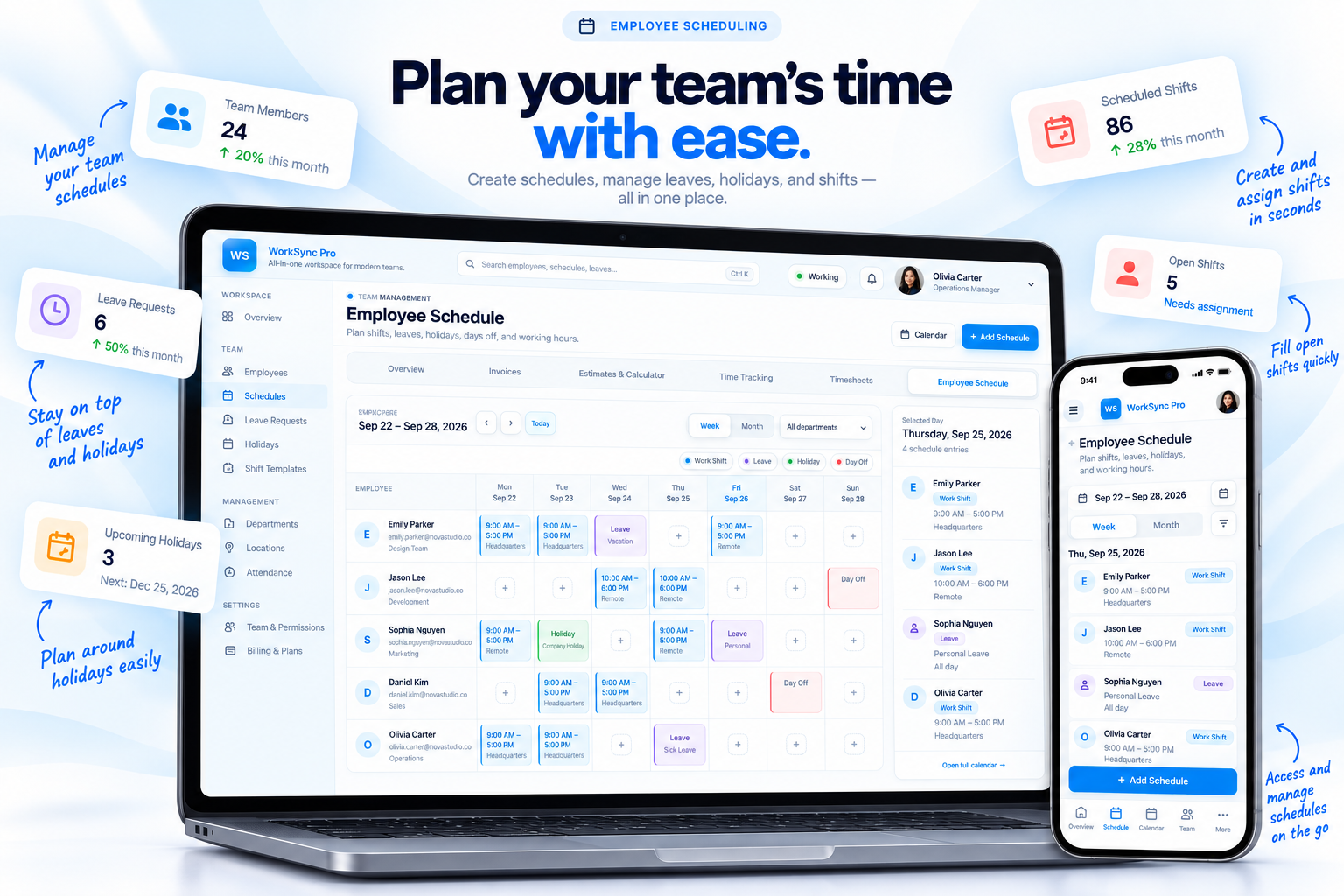
Manage working hours, shifts, leave, holidays, and days off without keeping separate calendars or scattered team notes.
Create and assign shifts so employees know when they are scheduled to work and where their time fits into the week.
Keep leave requests, personal days, and scheduled days off visible alongside the rest of the team calendar.
Keep employee working hours and schedule details organized so planning stays consistent across the workspace.
Give your team one clear place to understand who is working, which shifts are assigned, and where leave or holidays affect coverage.

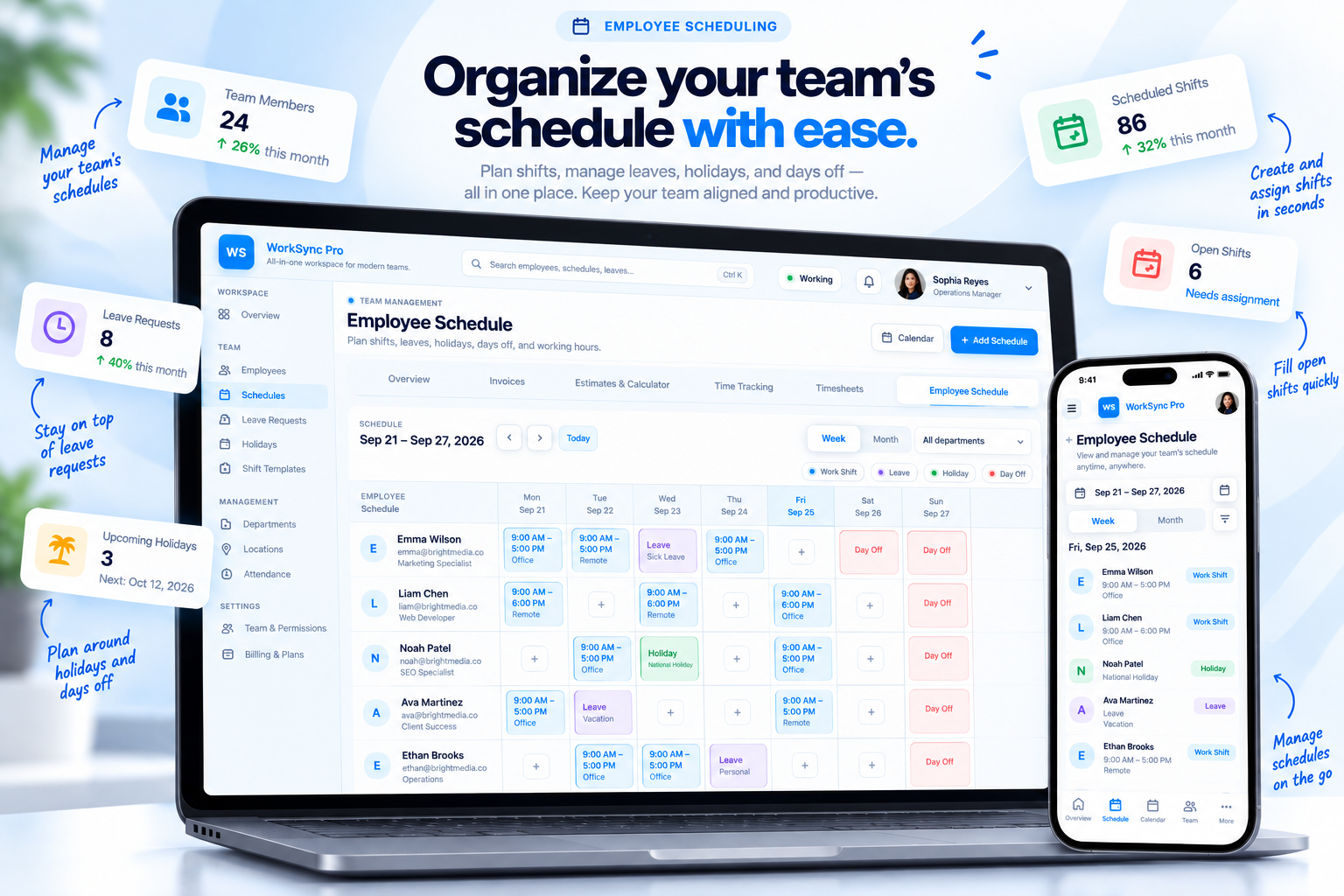
Scheduling works better when the people, shifts, leave, holidays, and working hours are visible together. Keep the operational picture easy to review as plans change.
Create the schedule, account for time away, assign shifts, and keep the finished workweek easy for everyone to understand.
Set working hours, shifts, and the schedule for the upcoming period.
Keep leave, holidays, and days off visible before assigning coverage.
Give employees clear scheduled work and keep assignments easy to review.
Use one shared scheduling picture as the workweek changes.
Keep shifts, working hours, leave, holidays, and days off inside the same workspace your team uses to run the work.